30 Dec 2025
5 Best Interactive Training Software: A 2026 Buyer's Guide
maestro
Author

Traditional, passive training methods are failing to engage the modern workforce. No one retains information from a 100-page PDF manual or a 90-minute "death by PowerPoint" presentation. Effective training demands engagement, hands-on participation, and respect for the learner's time. This is where interactive training software becomes essential.
This software is the key to transforming static materials into active learning experiences where users participate, make decisions, and receive immediate feedback. But the market is filled with confusing terms. What's the difference between an "authoring tool" and an "LMS"? Which do you actually need?
This guide will answer those questions. We will provide a clear definition of interactive training software, explain the crucial features to look for, and present the top 5 interactive training software solutions for 2026, clarifying what each tool actually does.
What is Interactive Training Software?
Interactive training software is a category of tools that allows you to create, deliver, and track learning experiences that require the learner to actively participate.
Instead of just reading or watching (passive learning), the user must engage with the content by:
- Clicking buttons or hotspots.
- Answering quiz questions.
- Dragging and dropping items.
- Making choices in a branching scenario.
- Performing steps in a software simulation.
This shift from passive to active learning is the single most important factor in improving knowledge retention.
However, "interactive training software" is not just one type of product. It's an ecosystem made of two distinct categories of software that must work together:
- Authoring Tools (The "Creator"): This is the software you use to create the interactive course content.
- Learning Management Systems (LMS) (The "Deliverer"): This is the platform you use to deliver that content to learners and track their progress.
Think of it this way: an authoring tool is the film studio where you shoot, edit, and produce a movie. The LMS is the movie theater or streaming service (like Netflix) that gets the movie to your audience and tracks who watched it. You need both to have a complete solution.
Key Benefits of Using Interactive Training Software
Moving from static presentations to dynamic, interactive content provides measurable benefits for any organization.
- Increases Learner Engagement: Interactivity breaks up the monotony of passive learning. When learners are required to click, think, and respond, they remain focused and are less likely to tune out.
- Improves Knowledge Retention: Learning by doing is far more effective than learning by reading. When a user has to apply knowledge in a quiz or simulation, the information is transferred from short-term to long-term memory more effectively.
- Provides Actionable Measurement: This is a key business advantage. Instead of just knowing if someone opened a file, interactive software provides real data. You can track quiz scores, see which questions users got wrong, and analyze the decisions they made in a scenario. This allows you to measure understanding and prove the effectiveness of your training.
- Allows for Personalized Learning: Modern tools allow you to create branching scenarios. This means you can guide learners down different paths based on their answers. A new employee can get extra review modules, while an experienced veteran can test out and finish faster.
Core Features to Look for in Interactive Training Software
When you're shopping for a complete solution, you need to evaluate features for both the authoring tool and the LMS.
Authoring Tool Features (For Creating Content):
- Quizzing & Assessments: The ability to create more than just multiple-choice questions. Look for drag-and-drop, hotspot, fill-in-the-blank, and matching question types.
- Branching Scenarios: The power to create "choose your own adventure" style lessons where a learner's choice (e.g., in a customer service simulation) leads to a unique outcome.
- Software Simulations: Tools to easily record your screen and turn the steps into an interactive "show me, try it, test me" simulation.
- Gamification: Features that let you add points, badges, timers, or leaderboards to make learning more engaging.
- SCORM/xAPI Export: This is non-negotiable. It's the "publish" button that packages your interactive course into a .zip file that any modern LMS can understand and track.
LMS Features (For Delivering Content):
- SCORM/xAPI Import: The LMS must be able to "accept" and "play" the SCORM packages you created in your authoring tool.
- User Management: The ability to create user accounts, organize them into groups (e.g., "Sales Team," "New Hires"), and assign courses.
- Robust Reporting: The LMS must be able to read the data sent by the SCORM package and present it to you in an understandable way (e.g., quiz scores, completion status, time spent).
- Mobile Accessibility: The platform must allow learners to easily access and complete training on their phones and tablets.
Top 5 Interactive Training Software Solutions for 2026
Here is a quick comparison of the top tools that make up a complete interactive training solution. Note that they are separated by their primary function: Authoring Tools (to create) and LMSs (to deliver).
| Tool Name | Primary Function | Best For | Key Interactivity Feature(s) | Pricing Model |
|---|---|---|---|---|
| Compozer | Authoring Tool | Teams needing rapid, collaborative, & responsive course creation. | Quiz engine, AI text editor, animations, templates. | Freemium & Subscription |
| Articulate 360 | Authoring Tool | L&D teams needing both complex simulations (Storyline) & simple responsive courses (Rise). | Advanced branching, variables, simulations. | Subscription |
| iSpring Suite | Authoring Tool | Converting existing PowerPoint presentations into interactive courses. | Robust quiz maker, dialogue simulations. | Subscription |
| TalentLMS | LMS (Platform) | Businesses (SMBs) needing an easy-to-use platform to deliver & track courses. | SCORM reporting, user management. (Has basic authoring). | Freemium & Subscription |
| Moodle | LMS (Platform) | Education & orgs needing a free, powerful, & customizable delivery platform. | SCORM tracking, H5P integration, native quiz module. | Open-Source (Free) |
Our list below includes examples from both categories (authoring tools and LMSs) to help you see the difference and build a complete solution.
Interactive Authoring Tools (To Create Content)
1. Compozer
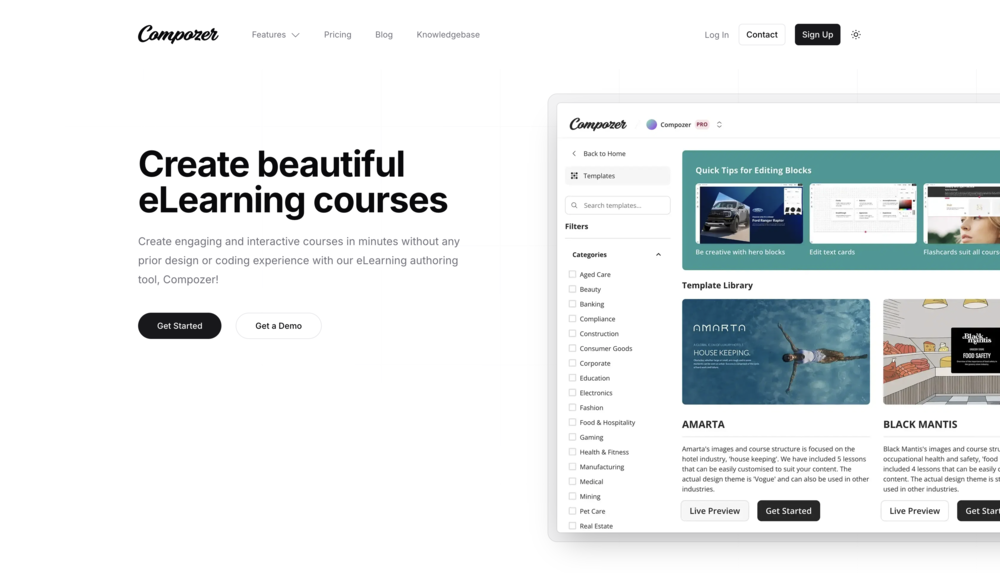
- Positioning: A modern, cloud-based eLearning authoring tool focused on user-friendliness, collaboration, and rapid, responsive design.
- Features: Compozer is a powerful yet user-friendly tool that lets you create engaging, mobile-optimised courses without any coding. It provides over 100+ professionally designed templates and a block-based system for easy creation. Its interactivity features include a versatile "Quiz" engine, animations, and easy integration of video and audio. Because it's cloud-based, it excels at team collaboration, offering features for real-time feedback and review. The "Pro" plan even includes an AI-Powered Text Editor.
- Compliance: It publishes to SCORM (1.2, 2004 3rd & 4th Ed) and xAPI, ensuring your content will work with any modern LMS.
- Best For: Teams and individuals who need to create beautiful, responsive, and highly interactive courses quickly and collaboratively.
2. Articulate 360
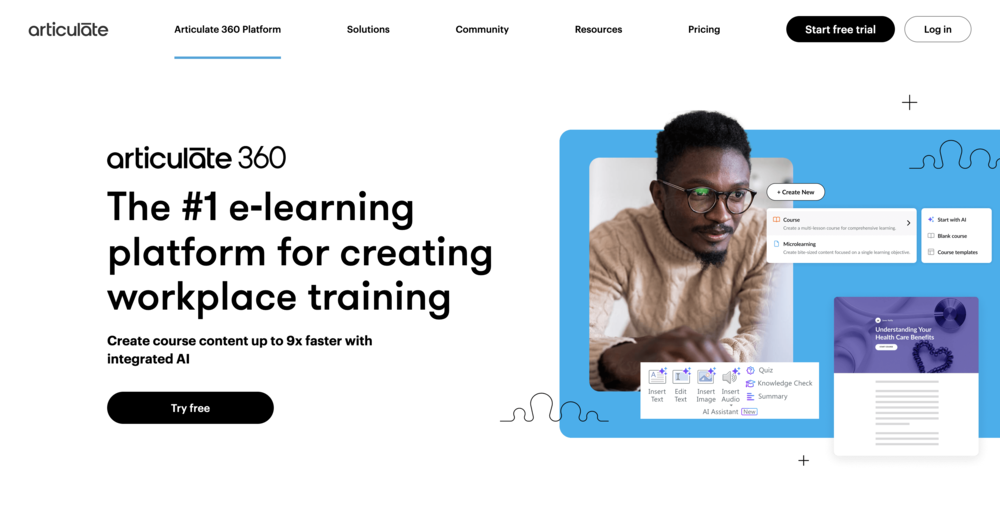
- Positioning: The industry-standard professional suite for serious instructional designers.
- Features: Articulate 360 is actually two tools. Storyline 360 is a powerful, complex desktop app for building intricate, custom simulations, software training, and complex branching. It has a steep learning curve but offers maximum control. Rise 360 is a cloud-based, block-based tool (similar in feel to Compozer) for building beautiful, responsive, single-page courses very quickly.
- Compliance: Publishes to SCORM, xAPI, and other formats.
- Best For: Large organizations with dedicated L&D teams and big budgets that need a powerful, all-in-one solution for both simple and highly complex course creation.
3. iSpring Suite
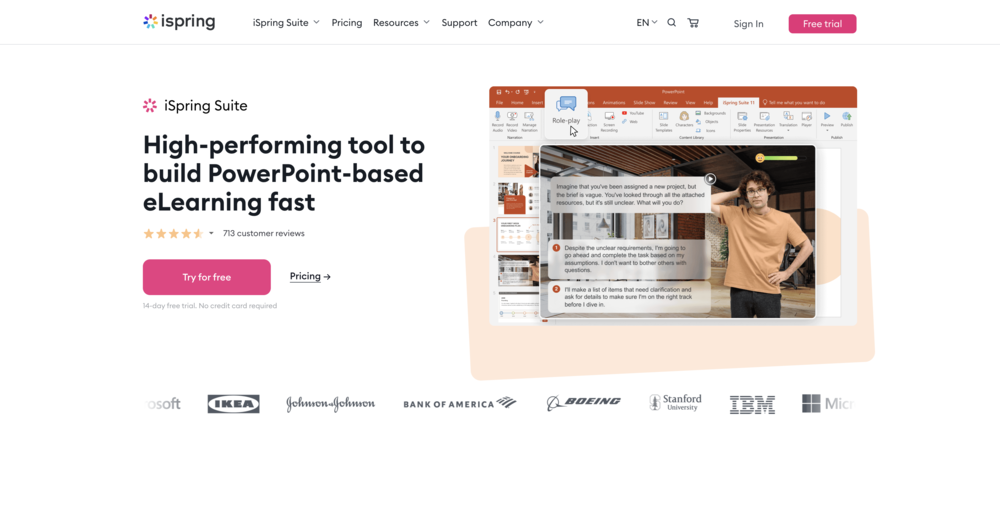
- Positioning: The best choice for users who are already comfortable with Microsoft PowerPoint.
- Features: iSpring Suite works as a plug-in directly inside PowerPoint. It adds a new tab to your PowerPoint ribbon, allowing you to take an existing presentation and add quizzes, simulations, and voice-overs. It has a powerful quiz maker and interaction builder.
- Compliance: Publishes directly from PowerPoint to SCORM 1.2/2004 and xAPI.
- Best For: Businesses and educators who have a large library of existing PowerPoint slides and want to quickly convert them into trackable, interactive eLearning.
Interactive Platforms (To Deliver & Manage Content)
4. TalentLMS
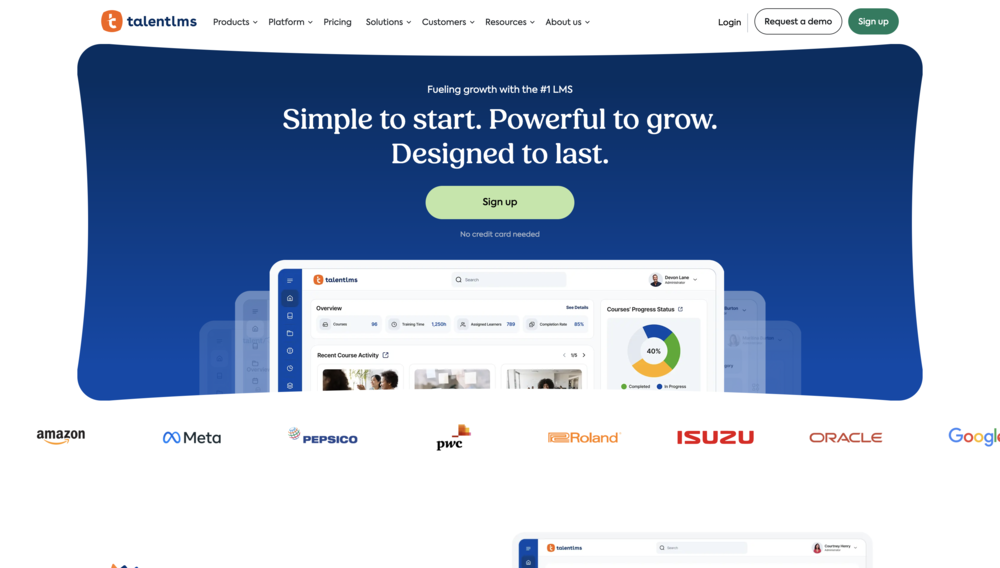
- Positioning: An extremely user-friendly, cloud-based LMS.
- Features: TalentLMS's primary job is to deliver the SCORM courses you build in tools like Compozer or Articulate. It excels at user management, course assignment, and reporting. It does have a simple built-in course builder ("TalentBuilder") and quiz engine for very basic content, but it is not a full-fledged authoring tool.
- Compliance: It is fully SCORM 1.2 and 2004 compliant, making it a reliable platform for delivering your content.
- Best For: Small to medium businesses that prioritize ease of use and need an all-in-one platform to get up and running quickly.
5. Moodle
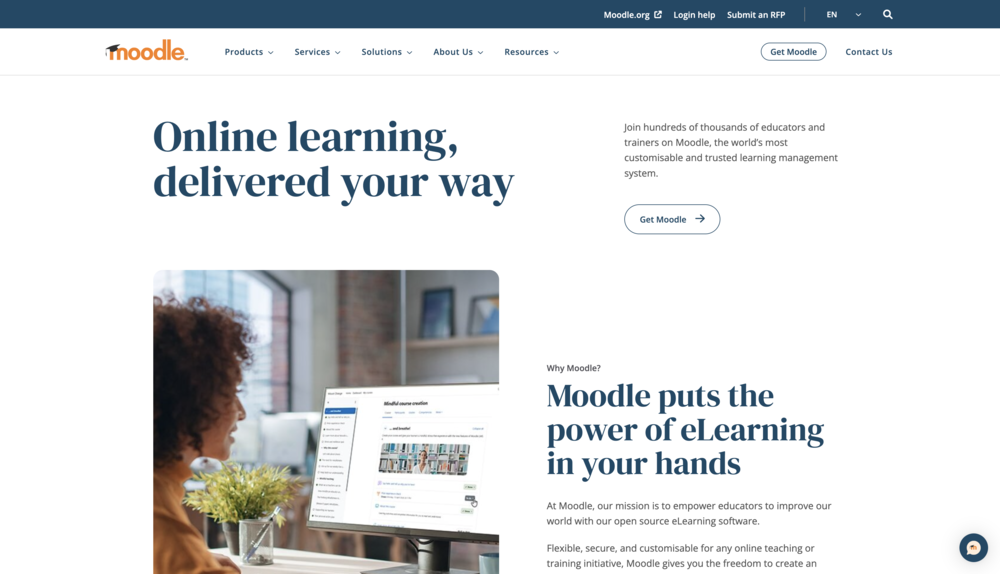
- Positioning: The world's most popular and powerful open-source LMS.
- Features: Moodle is free to download and install on your own server (though this requires technical expertise). Its main job is to host and track SCORM/xAPI packages. However, Moodle also includes powerful native interactive tools, such as a very robust "Quiz" module, a "Lesson" module for branching, and deep integration with H5P (a popular open-source interactive content builder).
- Compliance: It is highly SCORM 1.2 and 2004 compliant.
- Best For: Educational institutions and technically-savvy organizations that need a powerful, customizable, and low-cost (in terms of licensing fees) platform.
How to Choose the Right Software for Your Needs
Use this checklist to find the right solution for you.
- First, Define Your Primary Goal. Are you creating custom content or just delivering content you already have?
- If you are creating, you must have an Authoring Tool (like Compozer, Articulate, or iSpring).
- If you are delivering, you must have an LMS (like TalentLMS or Moodle).
- If you are doing both (most common), you need one of each.
- Assess Your Content's Complexity. Is your content simple text and video? A basic LMS-native builder might be enough. Does it need simulations, custom branching, and robust quizzes? You must invest in a dedicated authoring tool.
- Evaluate Your Technical Skills. Are you a beginner or a subject matter expert? A user-friendly, cloud-based tool like Compozer is a great fit. Are you a professional developer? You might prefer the power and control of Moodle.
- Consider Your Budget. Do you have zero budget but a good IT team? Moodle is a great choice. Are you a small business needing a predictable, scalable subscription? A combination of TalentLMS and Compozer is a perfect modern stack.
- Do You Work in a Team? If you have multiple creators or need to get feedback from stakeholders, a desktop tool won't work. You need a cloud-based, collaborative authoring tool like Compozer or Articulate Rise, which have built-in review and team features.
Frequently Asked Questions (FAQs)
What is interactive training software?
It is a category of software used to create and deliver active learning experiences. Instead of just reading or watching, users must participate by clicking, dragging, answering questions, or making decisions in a simulation.
What is the difference between interactive training software and an LMS?
They are two different parts of the same solution. An authoring tool (like Compozer) is the "creator" software used to build the interactive course. An LMS (Learning Management System) is the "deliverer" platform used to assign that course to learners and track their progress.
What is an example of interactive training?
Examples include:
- A customer service simulation where you choose dialogue options.
- A compliance course with a final quiz that you must pass.
- A drag-and-drop activity where you sort items into "correct" and "incorrect" bins.
- A software tutorial that makes you click the right buttons to proceed.
Is PowerPoint interactive training software?
No, not on its own. PowerPoint is designed for linear, passive presentations. It cannot create branching scenarios, track quiz scores, or export to SCORM. However, tools like iSpring Suite can be added to PowerPoint to give it these interactive and publishing capabilities.