24 Nov 2025
Best Learning Management System Software 2026: Features & Platforms
maestro
Author

Choosing a Learning Management System (LMS) Learning Management System (LMS) is one of the most high-stakes decisions a training, HR, or IT leader can make. The right LMS software acts as a central nervous system for talent development, driving training efficiency, providing strategic insights, and future-proofing your workforce. The wrong choice becomes a costly, frustrating administrative burden that learners despise and managers ignore.
The stakes are high. The global corporate e-learning market is projected to reach over $54.7 billion by 2030, according to Fortune Business Insights Fortune Business Insights. Yet, LinkedIn's 2026 Workplace Learning Report shows that the #1 priority for L&D—"upskilling and reskilling"—remains a massive challenge.
This guide is designed to be your go-to resource. We will cut through the marketing noise to provide an authoritative, neutral guide on what LMS software is, which platforms are leading the market in 2026, what essential features you must evaluate, and how to make a final selection that delivers real business value.
What is LMS Software?
A Learning Management System (LMS) is a software application designed to comprehensively administer, document, track, report on, and deliver educational courses or training programs.
While rooted in academia, the modern LMS evolved from 1990s computer-based training (CBT) into the cloud-based (SaaS) powerhouses that now form the backbone of corporate learning and development (L&D).
- Corporate Use Cases: The primary driver for businesses is managing and measuring employee training. This includes employee onboarding, compliance training, sales and product knowledge, and strategic upskilling.
- Educational Use Cases: In K-12 and higher education, an LMS (often called a "course management system") provides a digital home for syllabi, assignments, grades, and student collaboration.
The core benefits of implementing a modern LMS are clear:
- Cost Savings: An LMS centralizes all training materials, drastically reducing or eliminating costs associated with in-person instructor travel, venue rentals, and printed materials.
- Improved Learning Experience: It provides a single, on-demand source of truth for learners. They can access self-paced training anytime, anywhere, and often on any device, leading to better knowledge retention.
- Strategic Insights & Analytics: This is a key business driver. An LMS tracks learner progress, quiz scores, and completion rates. This data allows managers to identify knowledge gaps, prove regulatory compliance, and measure the direct impact (ROI) of training programs.
- Training Efficiency: It automates the most time-consuming administrative tasks—course enrollment, learner notifications, certificate generation, and report pulling—freeing L&D teams to focus on strategy.
Top LMS Software Platforms: At a Glance
| LMS Platform | Deployment | Pricing Model | Best For |
|---|---|---|---|
| 360Learning | Cloud/SaaS | Custom Quote | Collaborative & Peer-to-Peer Learning |
| Docebo | Cloud/SaaS | Custom Quote | AI-Powered Personalization (Enterprise) |
| TalentLMS | Cloud/SaaS | Freemium + Subscription | SMBs & Quick Deployment |
| Absorb LMS | Cloud/SaaS | Custom Quote | Employee & Customer Training (Mid-Market) |
| Cornerstone Learning | Cloud/SaaS | Custom Quote | Large Enterprise Talent Management |
| iSpring Learn | Cloud/SaaS | Subscription | Users of the iSpring Suite Authoring Tool |
| LearnUpon LMS | Cloud/SaaS | Custom Quote | Extended Enterprise (Customer/Partner) |
| Adobe Learning Manager | Cloud/SaaS | Custom Quote | Skills-Based Learning (Enterprise) |
| Moodle | Open-Source | Free License | Education & Full Customization |
| Totara Learn | Open-Source | Subscription | Corporate Open-Source (Flexibility) |
| Open edX | Open-Source | Free License | Massive-Scale Courses (MOOCs) |
| Thought Industries | Cloud/SaaS | Custom Quote | Selling & Monetizing Training |
| Schoox | Cloud/SaaS | Custom Quote | Frontline/Franchise Workforce |
| Kallidus Learn | Cloud/SaaS | Custom Quote | UK/EU Markets (Engaging UI) |
| GyrusAim | Cloud/SaaS or On-premise | Custom Quote | Highly Regulated Industries (Compliance) |
| Xperiencify | Cloud/SaaS | Subscription | Gamification & Course Creators |
How LMS Software Works
At its core, an LMS manages the relationship between a learner and a piece of content. It does this through a few key backend functions.
Course creation and delivery
The LMS acts as a central repository for all learning content. Administrators and instructional designers can upload videos, PDFs, and presentations. More importantly, they can upload standardized eLearning packages (SCORM. xAPI) created in authoring tools. The LMS then "delivers" this content by assigning it to a learner, who accesses it through a personal dashboard.
User management and tracking
The LMS is a powerful database of your people. Administrators create user profiles, which can be synced from an HRIS (Human Resource Information System). Users are then organized into groups, departments, or roles. When a learner interacts with content, the LMS tracks their activity—every click, every quiz attempt, every completion—and logs it against their profile.
Integrations (SCORM/Tin Can/LTI)
An LMS doesn't work in isolation. It "talks" to other systems using technical standards defined by governing bodies like ADLNet and 1EdTech.
- SCORM (Sharable Content Object Reference Model): This is the most common standard. It allows an authoring tool (like Articulate Storyline or Compozer) to package a course. The LMS "unpacks" it and uses SCORM to "listen" for data the course sends back, like "Status = Passed" or "Score = 85%."
- xAPI (Tin Can API): A newer, more flexible standard that can track learning experiences outside the LMS (e.g., in a mobile app, a simulation, or on the job).
- LTI (Learning Tools Interoperability): A standard used heavily in education to securely plug third-party learning tools (like a virtual classroom or an external publisher's content) into the LMS.
What are the top learning management system (LMS) platforms in 2026?
Here are 16 top-tier LMS platforms, selected from the brief, that serve a variety of use cases, from large enterprises to open-source academic needs.
(Note: Platform features and pricing change frequently. This list is based on our 2026 analysis. Always conduct a free trial and verify features directly with the vendor.)
1. 360Learning
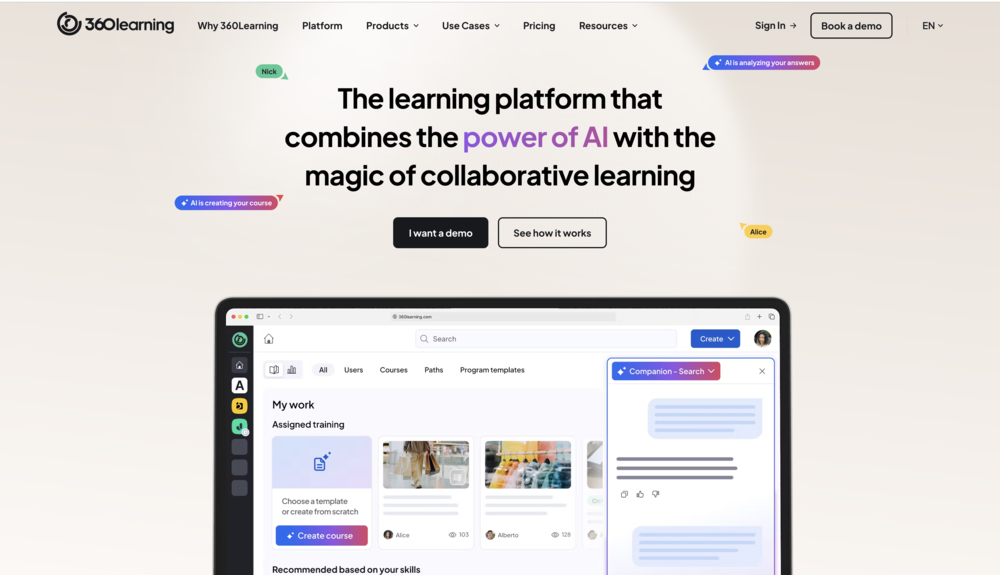
Deployment: Cloud/SaaS
Pricing: Custom Quote (Pay-per-user)
Standout Feature: Collaborative Learning & AI
Best For: Companies focused on capturing and scaling internal expert knowledge (decentralized learning).
Example Context: A fast-growing tech company uses 360Learning to empower its subject matter experts (SMEs) in engineering and sales to quickly create and update courses, reducing reliance on a central L&D team and fostering a culture of peer-to-peer learning.
2. Docebo
Deployment: Cloud/SaaS
Pricing: Custom Quote (Pay-per-active-user)
Standout Feature: AI-Powered Personalization
Best For: Mid-to-large enterprises wanting to deliver highly personalized learning paths at scale.
Example Context: A global manufacturing firm uses Docebo's AI to auto-tag content and suggest relevant courses to employees in different job roles and regions, powering internal upskilling and a seamless external customer training portal from a single platform.
3. TalentLMS
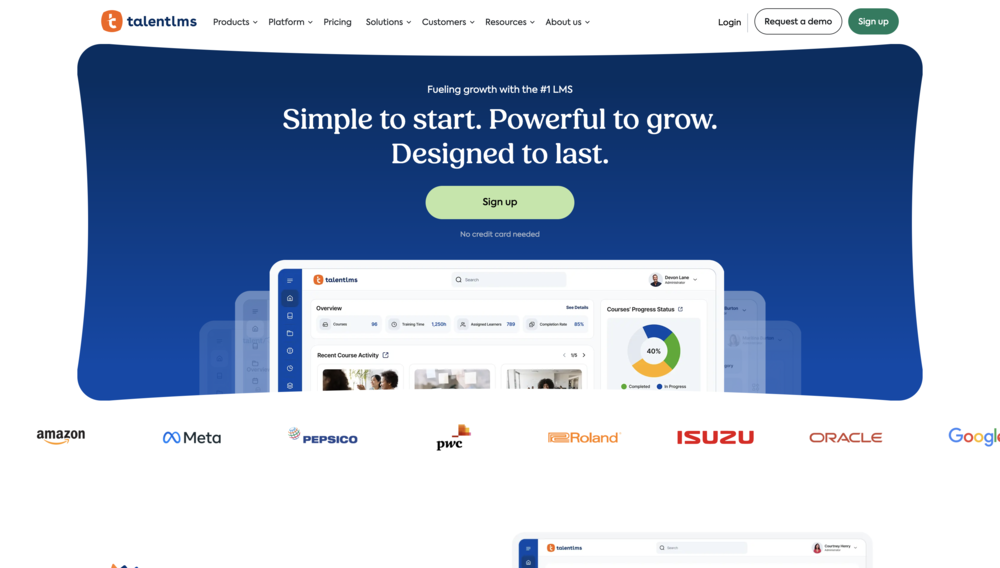
Deployment: Cloud/SaaS
Pricing: Subscription (including a free plan, then tiered)
Standout Feature: Simplicity and Speed-to-Launch
Best For: Small to mid-sized businesses (SMBs) that need a user-friendly, affordable, and quick-to-deploy platform.
Example Context: A medium-sized retail chain uses TalentLMS to deploy new product knowledge and compliance courses to its 50+ store locations simultaneously, getting set up in a single day and tracking completions via the simple reporting dashboard.
4. Absorb LMS
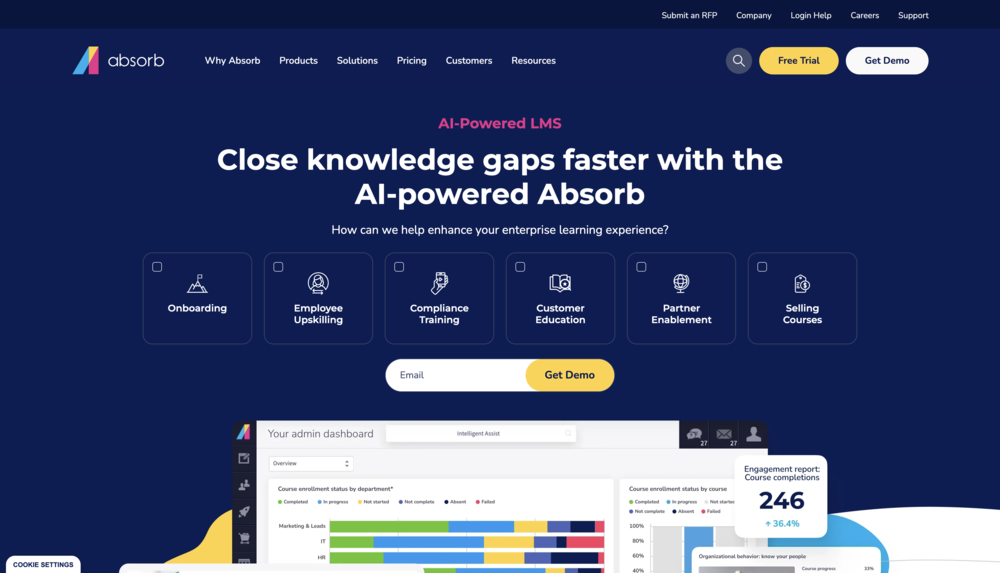
Deployment: Cloud/SaaS
Pricing: Custom Quote
Standout Feature: Intelligent Learner Experience (LX)
Best For: Mid-market companies that need a smart, scalable platform for both employee and customer training.
Example Context: A software company uses Absorb's multi-tenant capabilities to provide a fully branded, separate training portal for each of its major enterprise clients, managing all customer education from one central admin account.
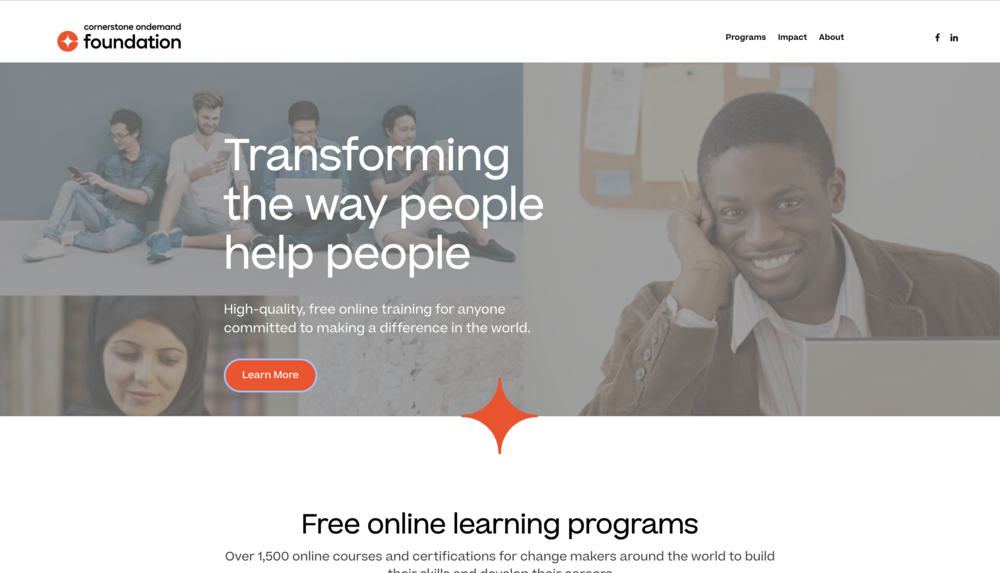
5. Cornerstone Learning
Deployment: Cloud/SaaS
Pricing: Custom Quote (Enterprise-focused)
Standout Feature: Unified Talent Management
Best For: Large enterprises that want to connect learning directly to an employee's entire career path (performance, skills, mobility).
Example Context: A Fortune 500 healthcare system uses Cornerstone to manage everything from mandatory nurse compliance training to leadership development tracks, tying course completions directly to the company's performance review and skills-gap analysis.
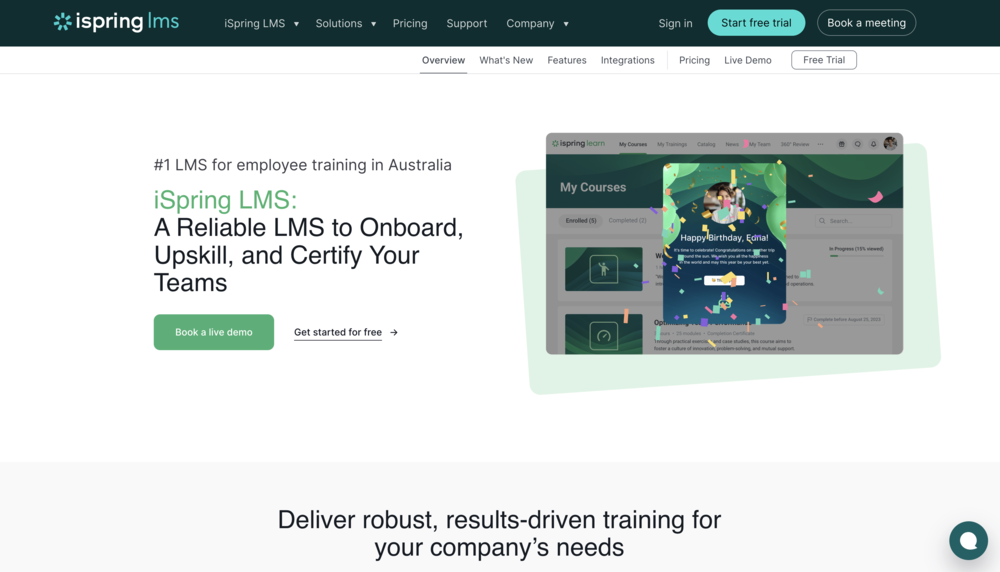
6. iSpring Learn
Deployment: Cloud/SaaS
Pricing: Subscription (Pay-per-active-user)
Standout Feature: Deep integration with iSpring Suite authoring tool
Best For: Businesses of any size (especially SMBs) that create content primarily with PowerPoint and iSpring.
Example Context: A corporate training department uses the iSpring Suite authoring tool to quickly convert its existing PowerPoint decks into interactive SCORM courses, then publishes them directly to iSpring Learn to track quiz scores and completions.
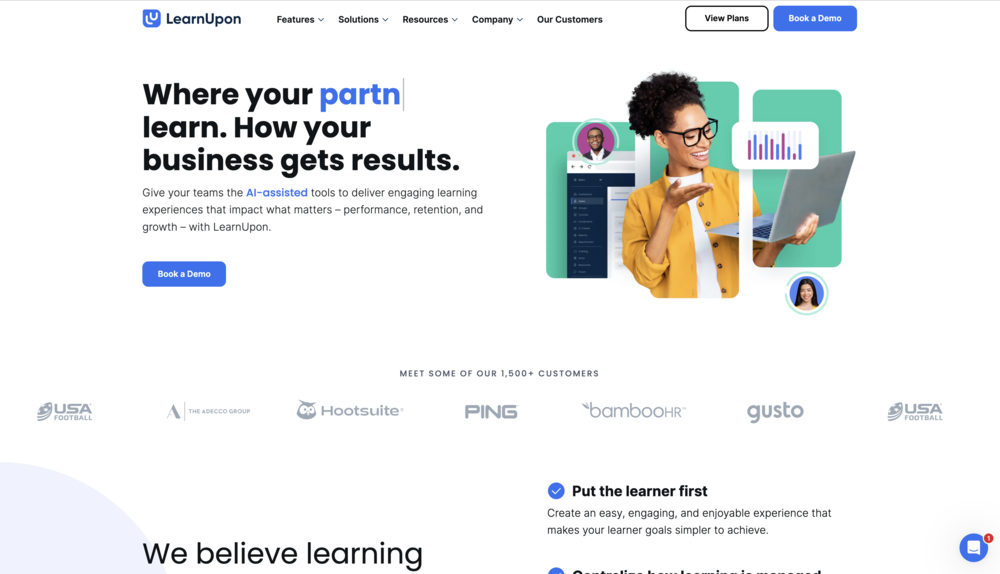
7. LearnUpon LMS
Deployment: Cloud/SaaS
Pricing: Custom Quote (Tiered by user numbers/portals)
Standout Feature: Multi-Portal Architecture
Best For: Businesses focused on "Extended Enterprise" training (customers, partners, and employees).
Example Context: A financial services company uses LearnUpon to train its internal sales team and its external network of independent financial advisors, using the multi-portal feature to deliver unique branding and content catalogs to each audience.
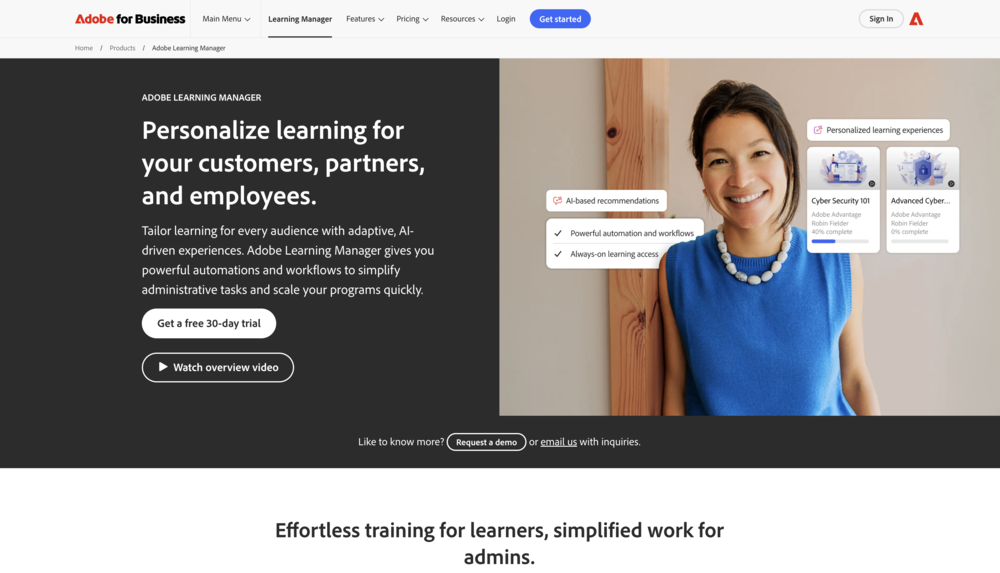
8. Adobe Learning Manager
Deployment: Cloud/SaaS
Pricing: Custom Quote (Pay-per-active-user)
Standout Feature: AI-driven, skills-based learner experience
Best For: Enterprises (especially those using Adobe products) focused on upskilling and a modern, "Netflix-style" learning interface.
Example Context: A large technology corporation uses Adobe Learning Manager's skills-based framework to allow employees to "subscribe" to skills. The AI then pushes relevant training to them, creating a dynamic, self-directed learning culture.
9. Moodle
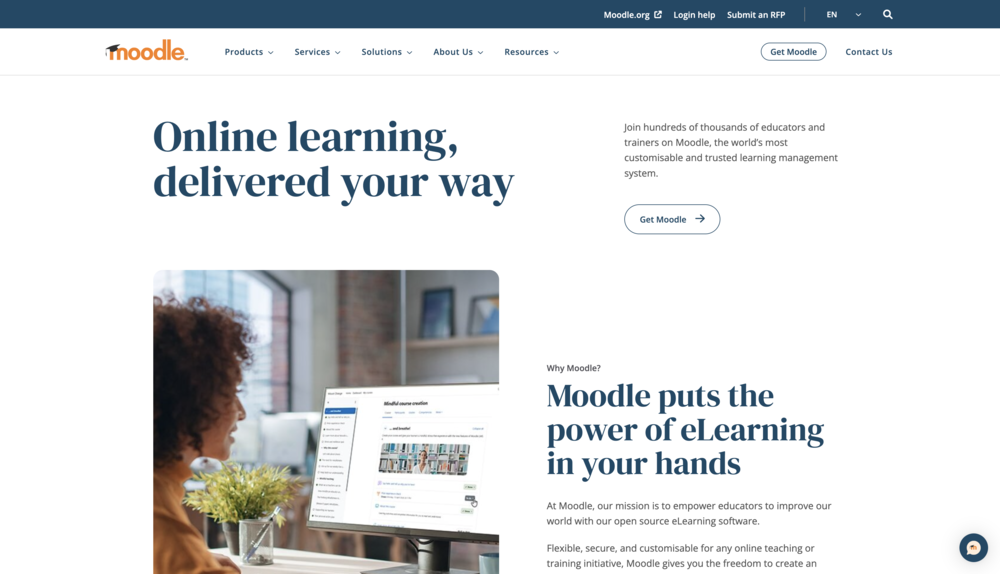
Deployment: Open-Source (Self-hosted or Partner-hosted)
Pricing: Free License (Costs are for hosting, support, customization)
Standout Feature: Unmatched Flexibility and Customization
Best For: Education (K-12, Higher Ed) and organizations with a technical team that need a powerful, low-cost, and customizable platform.
Example Context: A university provides a Moodle instance for every faculty, allowing professors to build highly custom courses, integrating everything from SCORM packages and LTI tools to native forums and robust quizzes, all without licensing fees.
10. Totara Learn
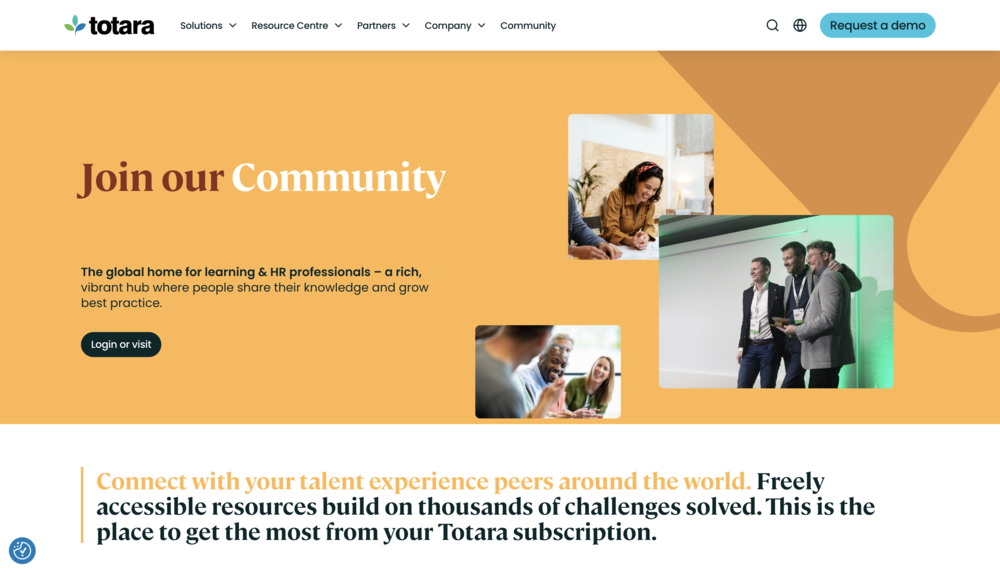
Deployment: Open-Source (Self-hosted or Partner-hosted)
Pricing: Subscription (via a Totara Partner)
Standout Feature: "Moodle for Corporate"
Best For: Mid-to-large organizations that want the flexibility of open-source but need enterprise-level features.
Example Context: A government agency uses Totara Learn because it provides the customization of Moodle but adds critical corporate features like hierarchical reporting (so managers see only their team), performance management, and compliance dashboards.
11. Open edX
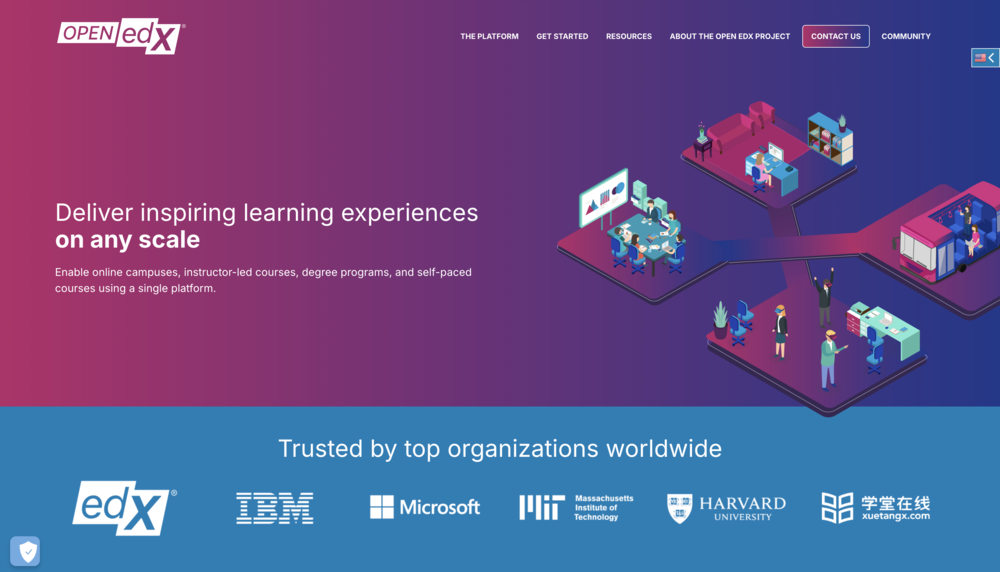
Deployment: Open-Source (Self-hosted or Partner-hosted)
Pricing: Free License (Costs are for hosting and support)
Standout Feature: Massive-Scale Course Delivery
Best For: Universities and corporations building large-scale, public-facing online courses (MOOCs).
Example Context: A prestigious university (like Harvard or MIT, its founders) uses Open edX to deliver its MOOCs to millions of learners worldwide, handling massive concurrent enrollments and complex course structures.
12. Thought Industries
Deployment: Cloud/SaaS
Pricing: Custom Quote
Standout Feature: External-Facing Monetization
Best For: Businesses that sell training as a product (B2C or B2B).
Example Context: A professional certification body uses Thought Industries to build, market, sell, and deliver its entire catalog of certification courses and exams to a global audience, managing e-commerce and learning delivery in one platform.
13. Schoox
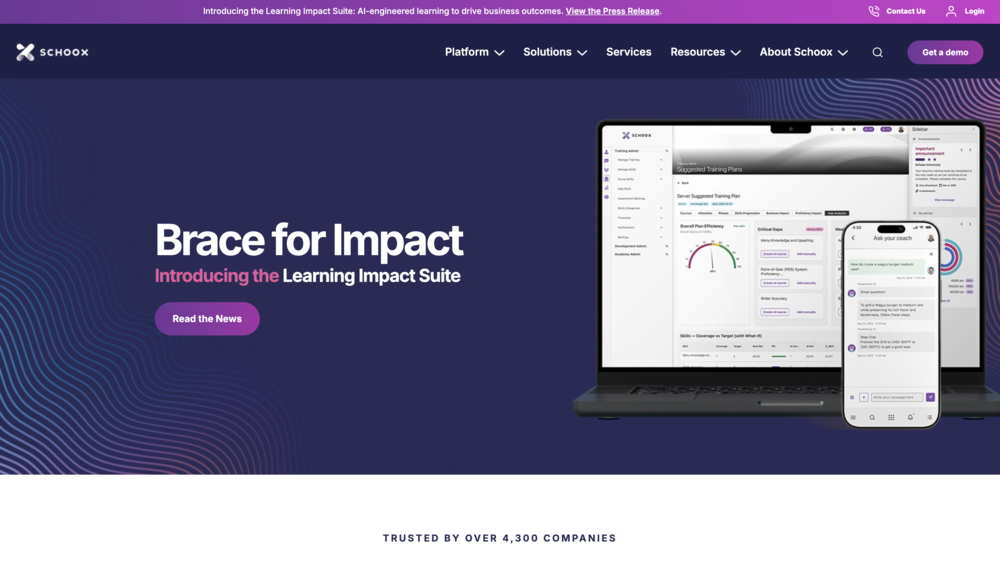
Deployment: Cloud/SaaS
Pricing: Custom Quote
Standout Feature: Strong focus on frontline/franchise workforce
Best For: Organizations with a dispersed, deskless workforce (e.g., retail, restaurants, hospitality).
Example Context: A national restaurant chain uses Schoox to deliver critical "how-to" video training and daily checklists directly to employees' mobile devices in each of its 500 franchise locations.
14. Kallidus Learn
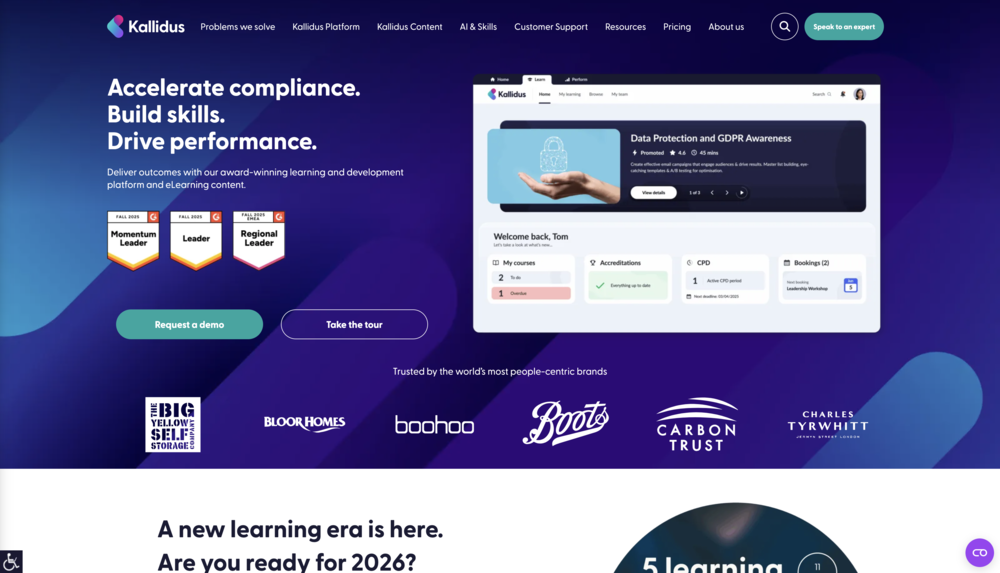
Deployment: Cloud/SaaS
Pricing: Custom Quote
Standout Feature: Visually engaging user interface
Best For: UK-based and European companies looking for a modern, engaging experience to drive learner adoption.
Example Context: A UK-based retail brand uses Kallidus Learn to deliver its compliance and onboarding training, leveraging the platform's visual, "Netflix-style" interface to make mandatory training more appealing to its young workforce.
15. GyrusAim
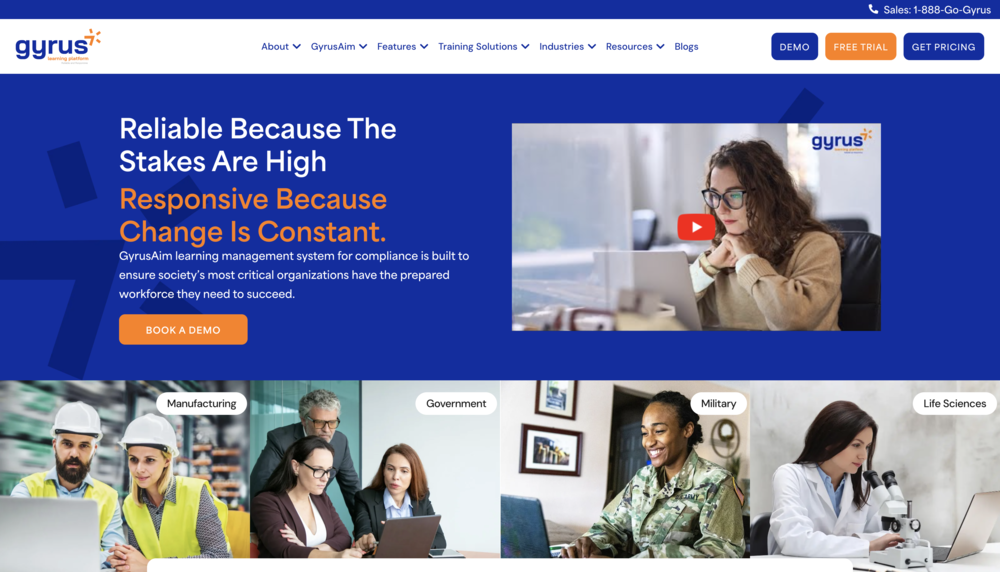
Deployment: Cloud/SaaS or On-premise
Pricing: Custom Quote
Standout Feature: Deep Compliance & Skills Management
Best For: Highly regulated industries (e.g., pharma, manufacturing, aviation) that need granular compliance tracking.
Example Context: A pharmaceutical manufacturer uses GyrusAim to manage its complex cGMP/FDA compliance training, automating 21 CFR Part 11-compliant e-signatures, version control, and audit trail reporting.
16. Xperiencify
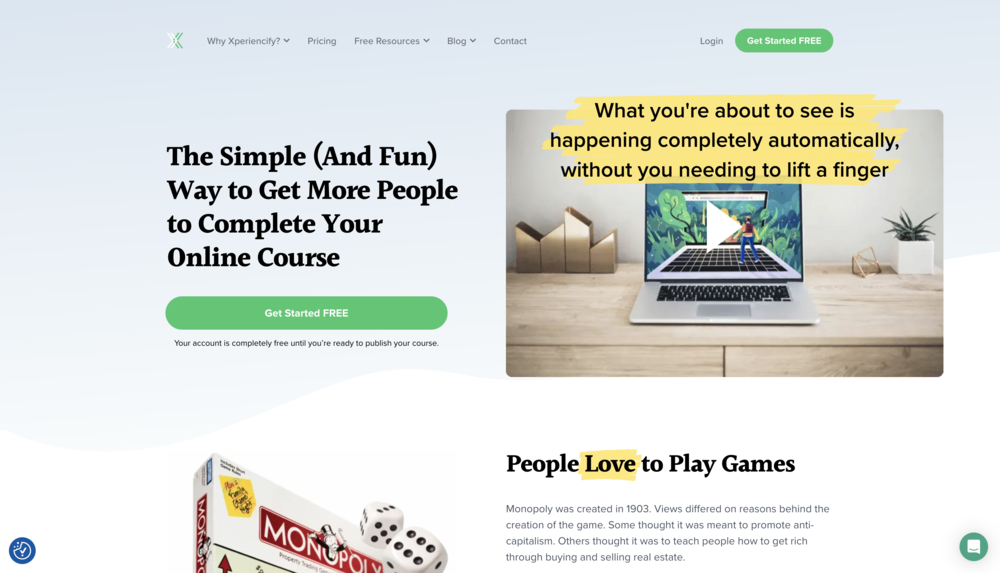
Deployment: Cloud/SaaS
Pricing: Subscription (Tiered)
Standout Feature: Advanced Gamification & Experience
Best For: Course creators and entrepreneurs wanting to maximize learner engagement and completion rates.
Example Context: An online business coach uses Xperiencify to gamify their 8-week group coaching program, automatically releasing content, sending text notifications, and awarding points to create "addictive" learning that students actually finish.
Deeper Analysis: Feature Comparison (Top Corporate Platforms)
This table provides a more direct comparison of leading corporate platforms to help you visualize the differences in learning curve, focus, and pricing.
| Platform | Best For | Learning Curve | Key Differentiator | Typical Pricing Model |
|---|---|---|---|---|
| TalentLMS | SMBs & Quick Deployment | Low: Very easy to learn and launch. | Simplicity & All-in-One Value | Freemium + Subscription |
| Docebo | Enterprise Personalization | Medium: Powerful but complex admin. | AI Content Tagging & Personalization | Pay-per-Active-User |
| 360Learning | Collaborative Culture | Low: Easy for SMEs to create content. | Decentralized, Peer-to-Peer Authoring | Pay-per-User |
| iSpring Learn | PowerPoint-based Training | Low: Seamless if you use iSpring Suite. | Deep PowerPoint & Authoring Tool Sync | Pay-per-Active-User |
| Absorb LMS | Mid-Market (Internal & External) | Medium: Intuitive learner side, deep admin. | Intelligent LX & Multi-Tenant (B2B) | Custom Quote (Subscription) |
What are the main deployment models for LMS platforms?
An LMS's deployment model dictates who hosts the software and how you pay for it.
-
Cloud-based/SaaS (Software as a Service):
The most popular model. The LMS vendor (e.g., TalentLMS, Docebo) hosts and maintains the software on their servers. You access it through a web browser.
Pros: Quick setup, no IT maintenance, automatic updates, scalable.
Cons: Recurring subscription fees, less customization. -
On-premise/Self-hosted:
You buy the software and install it on your organization's own servers.
Pros: Full control over data security, deep customization, one-time license fee.
Cons: High upfront cost, requires a dedicated IT team, you handle all updates. -
Open-source:
The software's code is free (e.g., Moodle, Open edX). You must host it yourself (on-premise) or pay a hosting partner.
Pros: No license fee, unmatched customization.
Cons: "Free" is not free. You pay for hosting, support, and development. -
Other Models:
Mobile-only LMS: Designed for a deskless workforce, often delivered via a native mobile app (e.g., Learner Mobile, Gurucan).
Hybrid LMS: A mix, such as an on-premise system that uses a cloud content delivery network (CDN).
Custom-built LMS: Built from scratch by an internal team (very rare, very expensive).
What essential LMS features should be explored to enhance learning effectiveness?
Beyond the basics, a great LMS is defined by its features. Use this as a checklist.
User Experience & Accessibility
- User-Friendly Interface: Is it clean, modern, and intuitive for both learners and admins?
- Mobile Learning: Does it have a fully responsive web design and, ideally, native mobile apps (Learner Mobile) for offline access?
- Multi-Language Support: Can the interface be changed to accommodate a global workforce?
- Customization and Branding: Can you add your logo, colors, and a custom URL to make it look like your platform?
Learning Content & Delivery
- Content Authoring Tools: Does it have a simple built-in tool for creating basic courses or quizzes?
- Content Integration: Does it easily import SCORM, xAPI, AICC, videos, and PDFs?
- Learning Paths: Can you group courses into a logical sequence or curriculum?
- Gamification: Does it include points, badges, and leaderboards to motivate learners?
- Social Learning: Are there features like discussion forums, expert Q&A, or user-generated content?
Assessment & Progress Tracking
- Diverse Assessment Types: Can it handle more than multiple-choice? (e.g., essays, file uploads).
- Grading and Feedback: Does it have an automated gradebook and a way for instructors to leave feedback?
- Progress Tracking: Can learners and managers easily see what's due and what's completed?
- Reporting and Analytics: Is the reporting dashboard flexible? Can you build custom reports and schedule them to be emailed automatically?
Administration & Support
- User Role Management: Can you create custom permissions for admins, managers, instructors, and learners?
- Automated Enrollment: Can you set rules to auto-assign training based on job role, hire date, or group?
- Customer Support: What's included? (Email, phone, 24/7).
- Integration: This is critical. Can it connect to your key systems, like your HRIS (Workday, SAP), CRM (Salesforce), or content libraries?
What are the most common LMS pricing & licensing models?
Pricing can be complex. Here are the main models you'll encounter.
-
Pay-per-user (Subscription)
You pay a fee (e.g., $5) for every single user registered in the system each month or year. This is predictable but can get expensive. -
Pay-per-active-user (Subscription)
A popular SaaS subscription model. You only pay for users who log in during a given billing period (e.g., a month). This is very cost-effective for large audiences with infrequent training needs (like customer training). -
Perpetual License
A one-time license fee to buy the software, plus a recurring annual "maintenance" fee (15-20%) for support and updates. Common for on-premise software. -
Open-source (Free vs. Paid Support)
The software license is free (e.g., Moodle). The costs are for implementation, customization, hosting, and optional paid support from a certified partner. -
Other Models
Pay-per-course (common for selling content) or Custom Pricing (common for large enterprises).
FAQ
What is learning management system software?
Learning management system (LMS) software is a platform that helps you administer, deliver, track, and report on online training courses and learning programs.
What is an LMS platform example?
- LMS Examples for Business: TalentLMS, Docebo, and 360Learning are popular corporate examples.
- LMS Examples for Schools, Students, and Teachers: Moodle, Canvas, and Blackboard are the most common examples in education.
What are the four types of learning management systems?
The main types usually refer to the deployment model:
- Cloud-based (SaaS)
- On-premise (Self-hosted)
- Open-source
- Hybrid (a mix of the above) or Custom-built
What Are The Best LMS Training Platforms For Employees?
The best platforms for employees are typically user-friendly, mobile-first, and engaging. Platforms like 360Learning (strong on social/peer learning), Docebo (good AI recommendations), and TalentLMS (very easy to use) are often highly rated for employee training.
Is Microsoft 365 an LMS?
No. Microsoft 365 is not an LMS. It is a productivity suite. While you can use SharePoint to store documents or Teams to host a live training, they lack the core, non-negotiable features of a true LMS, such as:
- Automated course assignment
- SCORM/xAPI compliance
- Advanced progress tracking
- Automated quiz grading and reporting
- Compliance and certification management