Support
Taking Control of a Course Being Edited in Another Browser Window
In Compozer, a course can only be edited in one browser window at a time, ensuring that no more than one person can make changes simultaneously. If you attempt to edit a course that's already open elsewhere, you'll be given the option to take control of the editing process. Once you take control, the original version becomes locked to prevent additional edits.
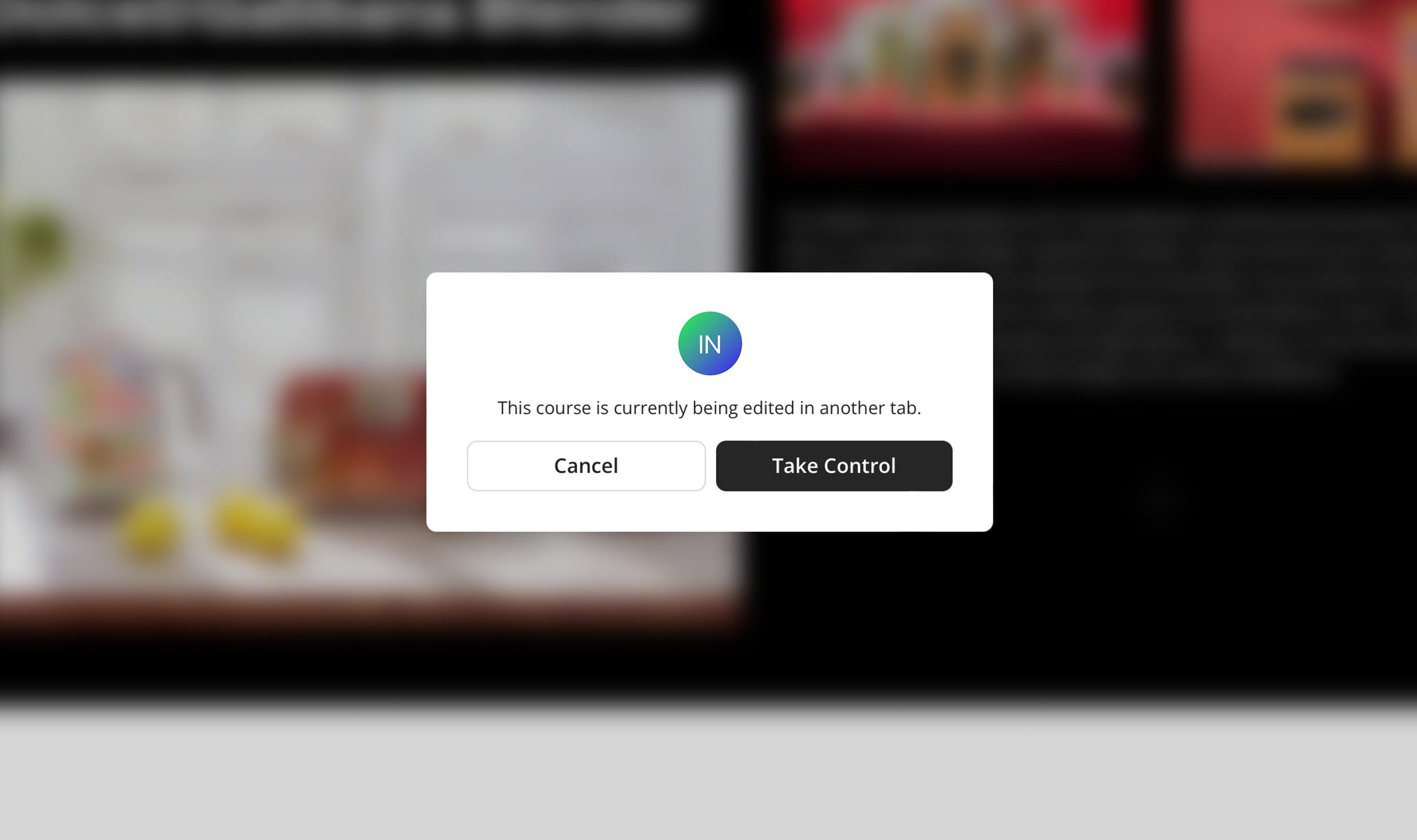
This feature offers several benefits. It helps prevent confusion and potential data loss that could arise from simultaneous edits by multiple users. By allowing only one person to make changes at a time, it maintains the integrity and accuracy of the course content.
The locking mechanism ensures that any changes made are intentional, reducing the risk of accidental overwriting. This ultimately supports collaborative work by clearly defining control and promoting a secure, efficient editing environment.