Support
Find your Team ID
Your Team ID serves as a unique, unchangeable identifier that is automatically assigned upon the creation of your team.
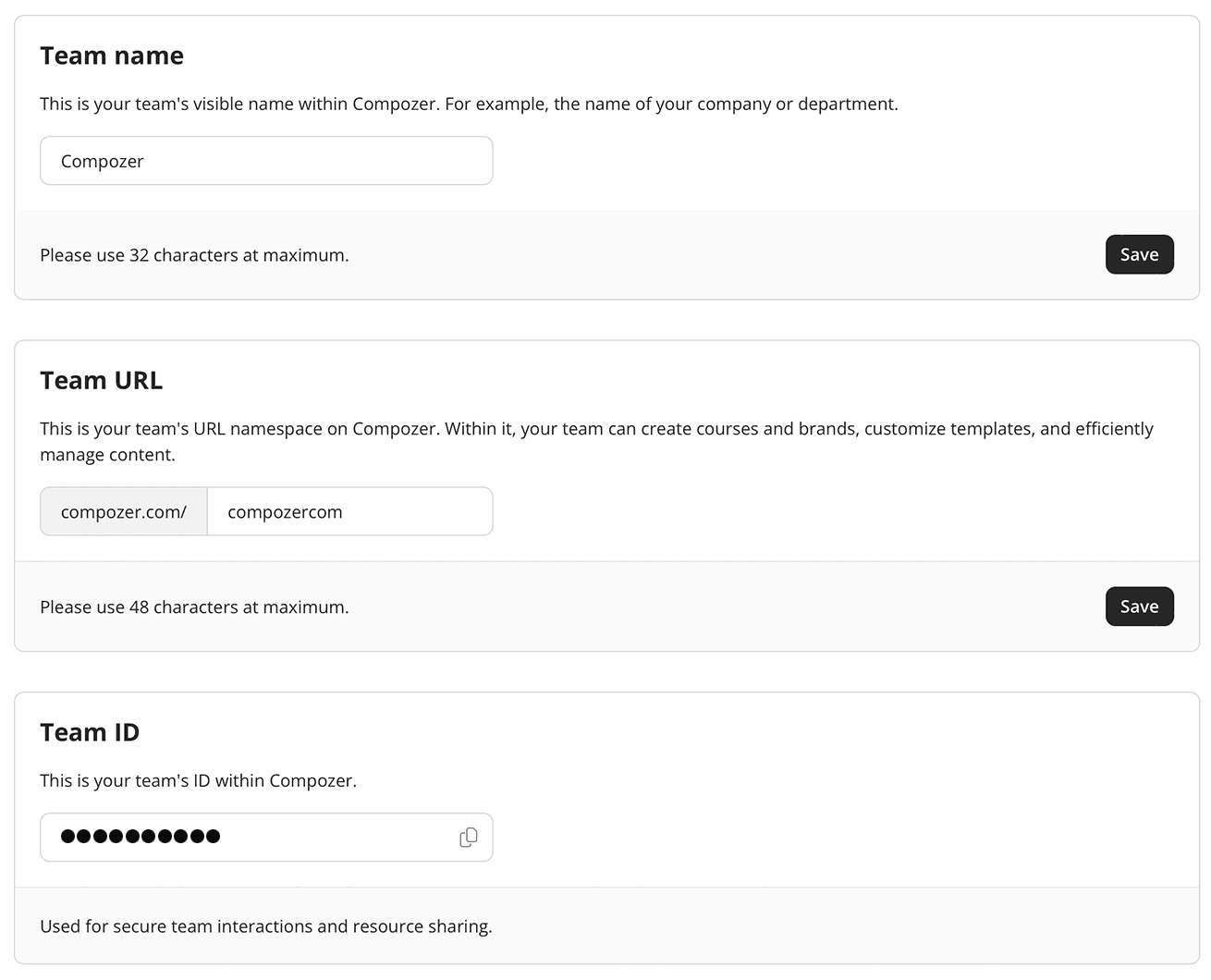
- Log into your settings management console and click "General" on the left under the Team section.
- Scroll to the Team ID section, where you can easily copy your Team ID.
Your team ID is used for secure team interactions and resource sharing.